
What is the problem?
The displayed moisture rises and falls while laboratory results appear steadier. First distinguish actual moisture changes from changes in product contact and process conditions at the sensor.
Which product addresses it?
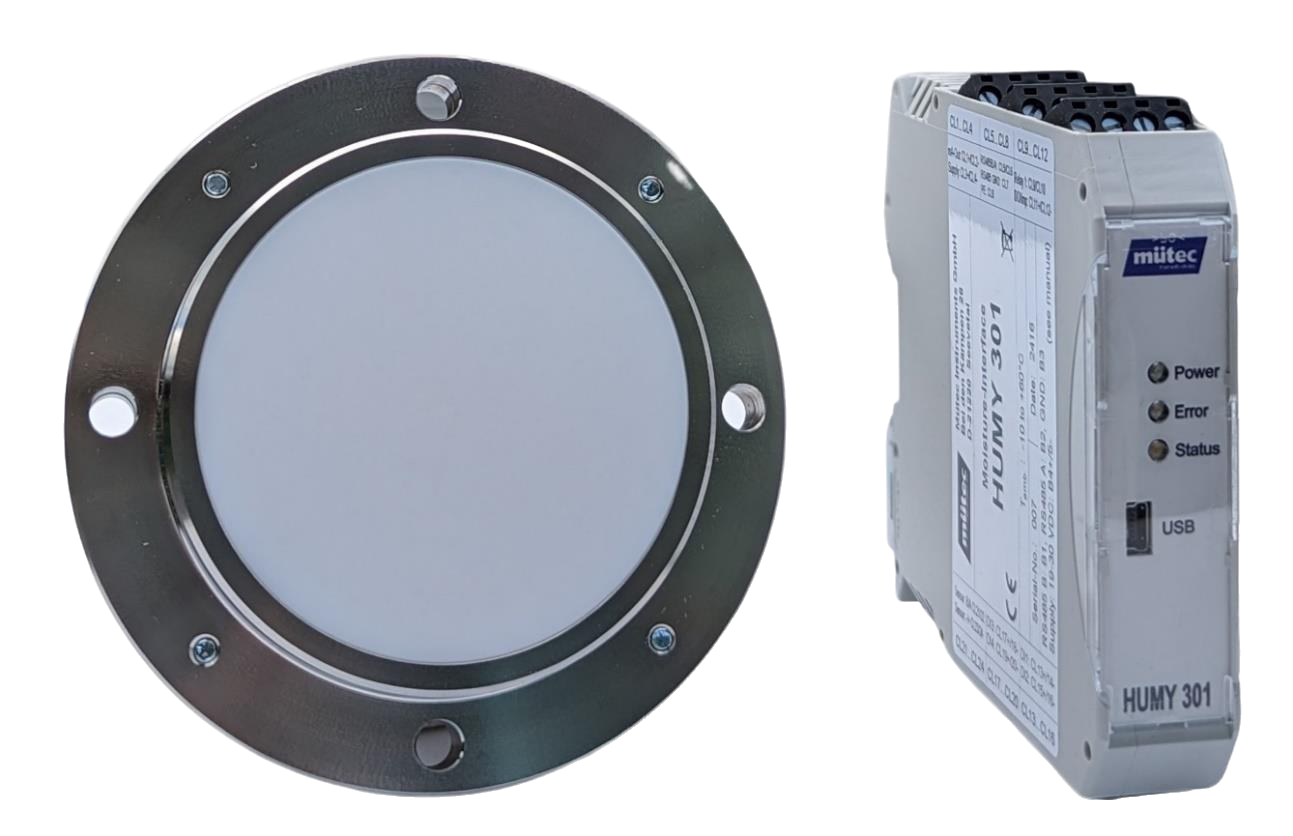
With HUMY 301 or HUMY 3000, first ensure representative and consistent product contact. Then select the correct product calibration and compare time-matched samples taken close to the sensor; do not start by increasing filtering solely to steady the display.
- 1 · Consistent product contact
- 2 · HUMY measuring point
- 3 · Nearby, time-matched sample
On-site check sequence
1 · Check the sensing surface and product coverage. If gaps, varying fill or deposits occur, inspect feeding and mounting first.
2 · Verify the selected product and recipe. Reassess the calibration when bulk density or product characteristics change.
3 · Record the sample time and sensor reading together. Account for transit time between the sensor and sampling point. Adjust smoothing after obtaining representative results; long filtering also delays real changes.
Limits of the solution
A new device or calibration alone cannot fix unstable product contact. Verify the measuring point and reference method before making numerical accuracy claims.
Send for technical support
Send the product name, mounting photo, selected recipe, moisture trend and laboratory results with sampling times.