
Appearance alone rarely identifies the correct spare part. One family may contain different shafts, cables, paddles, connections, seals, temperature and Ex options. A similar-looking wrong part can affect operation or certification.
The fastest route is a legible model and full order code from the nameplate. If unreadable, send overall installation photos, close-ups of the part and basic dimensions together.
Information to include in the request
| Information | Example / explanation |
| Device model | Model name such as DF21, DF27, LF20, MWF or MFA |
| Complete order code | All letters and numbers on the nameplate |
| Serial number | If available, helps verify production and variant |
| Part photo | Paddle, probe, cable, weight, connection or seal |
| Basic dimensions | Diameter, length, thread or flange size; ideally with a ruler |
| Process information | Material, temperature, pressure and any ATEX zone |
How is the visual parts list used?
The visual spare-parts list is a preselection tool to describe parts. Selecting a paddle or other image does not prove compatibility with your device. The selected part is included in the request with model and code details.
Parts serving the same function may differ in size or material. “Looks like the photo” is useful, but technical matching precedes order confirmation.
What if the nameplate is unreadable?
Photograph the complete installed device, connection and replacement part separately. Connection size, L distance, cable/probe length and paddle dimensions may matter more than head color or housing shape. Include codes from old quotations, invoices or manuals.
Continue selection
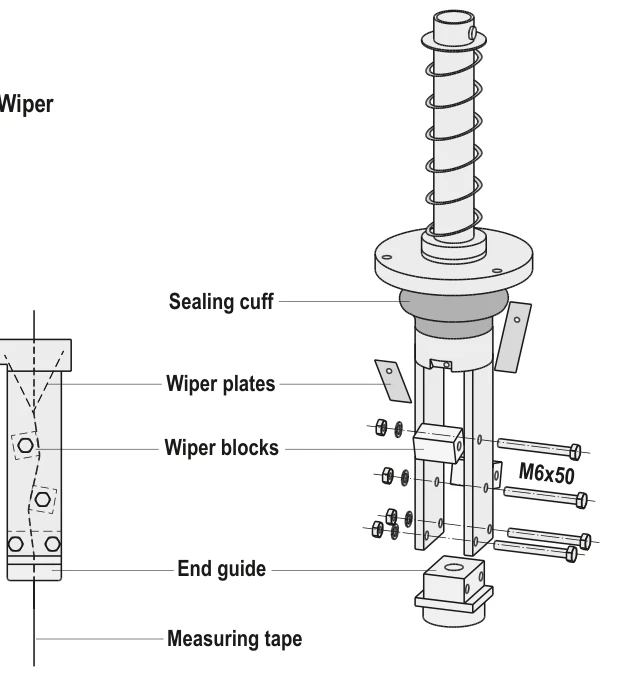
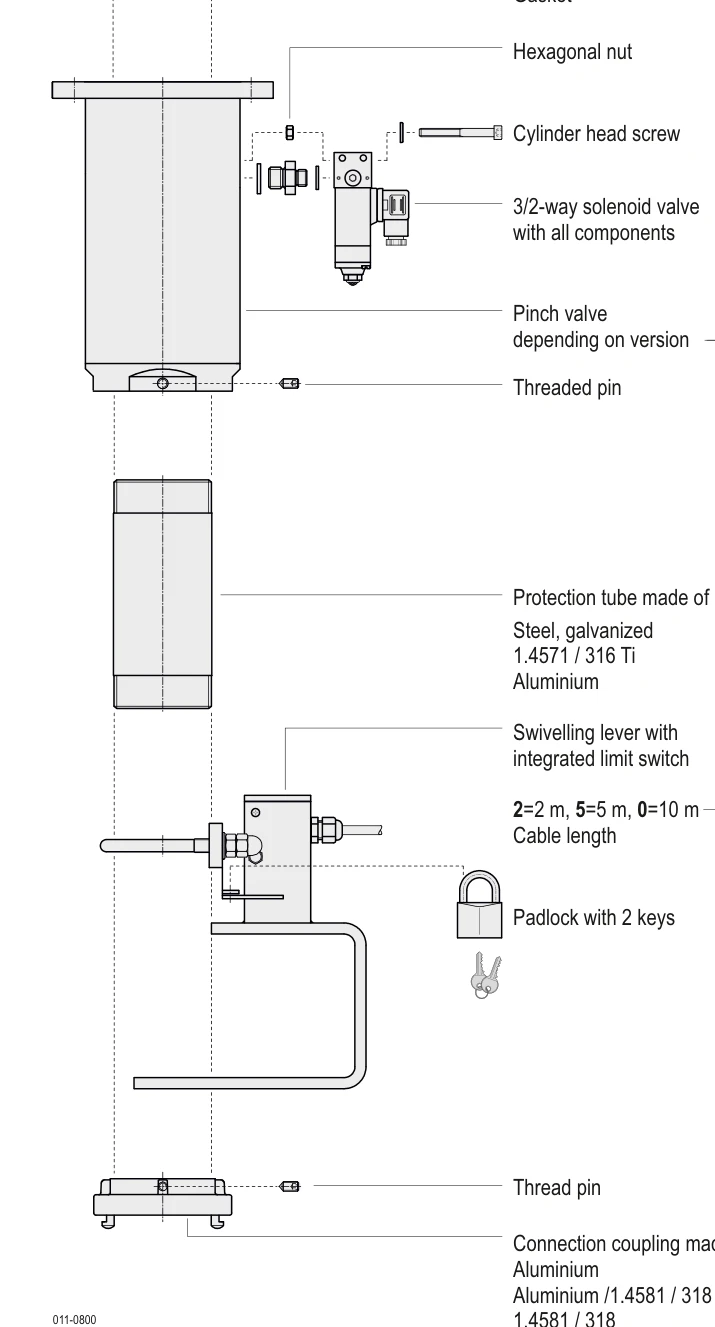
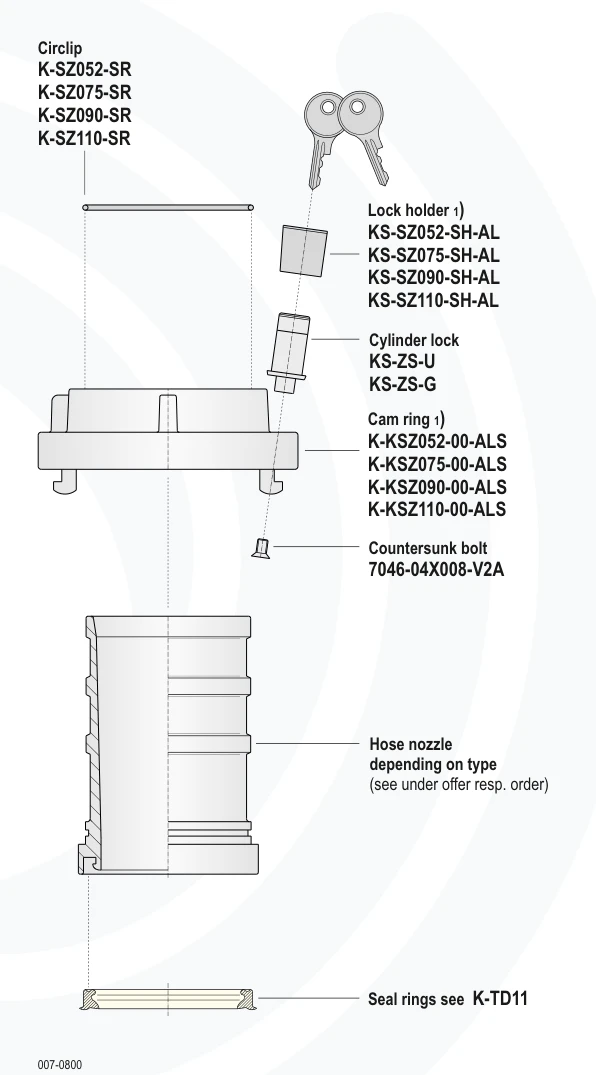
Catalogue drawings
Can I order spare parts with only a photo?
Photos help initial assessment; preferably also provide model, full code, serial number and dimensions for correct matching.
Does my selected image prove compatibility?
No. Visual selection describes the request; compatibility is verified by model, variant and process conditions.